
People, profiles and following
Find boaters, follow them and keep your own profile up to date.
Find people and boats
Tap the magnifying glass at the top of the panel, then type at least 2 letters. It searches names, handles and boat names, and shows up to 30 matches.
On someone's profile
You'll see their name, handle, boat, home waters, bio, posts, followers and who they follow. From there you can:
- Follow them, so their marks show under Following on the Marks tab.
- Add to fleet. They're asked to accept. If you don't have a fleet yet, start one first.
- Block or Report them.
Other people never see your trips or your minimum depth.
Your own profile
Tap You. Your profile has three sections: Trips, Routes and Posts. Tap Followers or Following to see those lists.
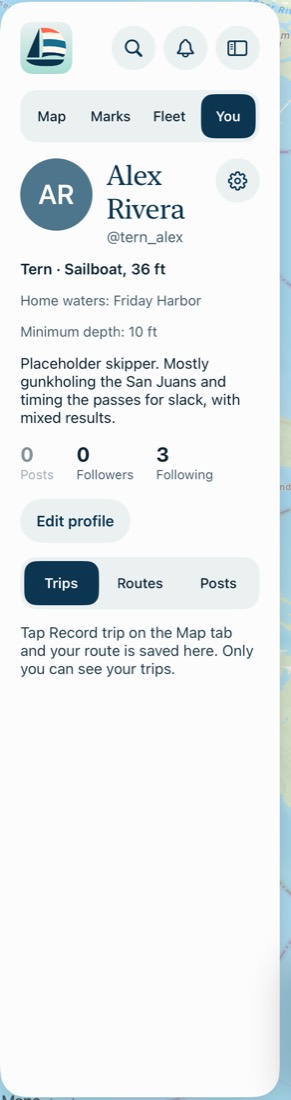
Edit your profile
Tap Edit profile to change your photo, name, boat name, boat type, home waters and bio. Your handle can't be changed. Anyone can see your profile photo, and its location data is removed.
Minimum depth is here too, from 1 to 100 ft. Only you can see it.
Unblock someone
Open their profile and tap Unblock. Or go to Settings, where Blocked lists everyone you've blocked.
Common problems
I can't find someone.
Check the spelling and try their boat's name. You also won't see people you've blocked.
It says "Couldn't search."
Search needs a connection. Try again when you're back in coverage.